Focus your mind
Solve quick Math problems, repeat a Memory pattern, or type a wake-up phrase before the alarm is finished.
Alarm missions for brighter mornings
ChirpFlow turns dismissing an alarm into a Wake Flow—complete the missions you choose, then get on with your day.
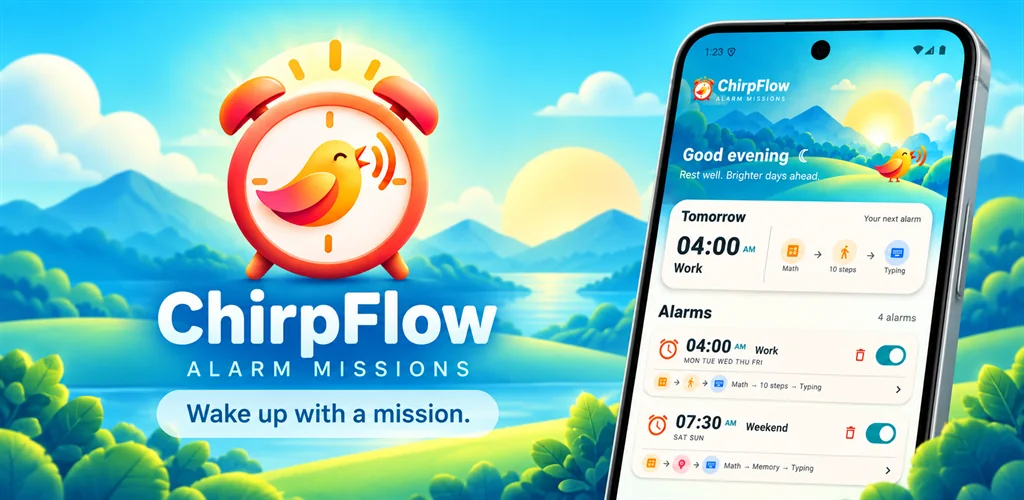
Build your Wake Flow
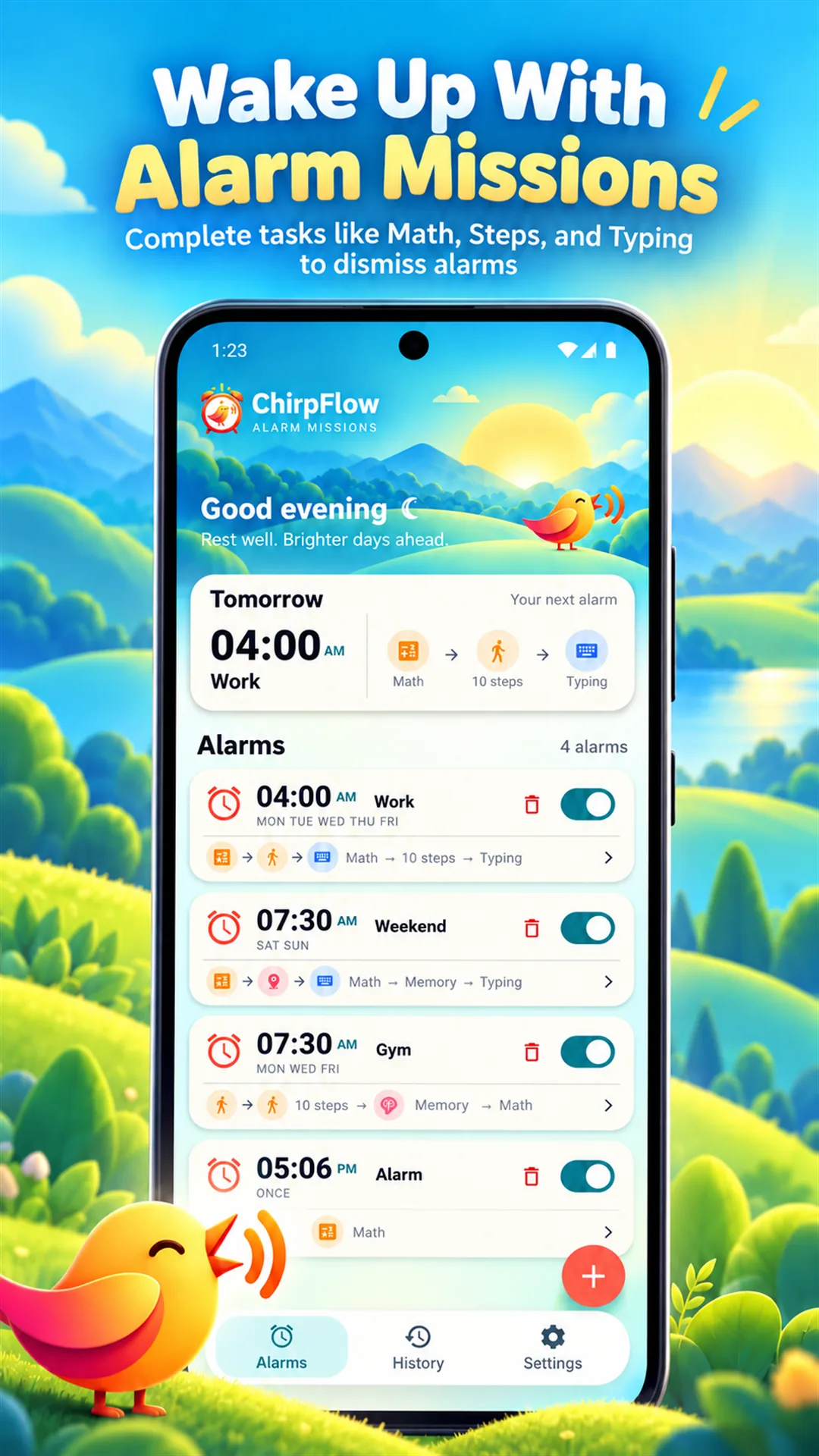
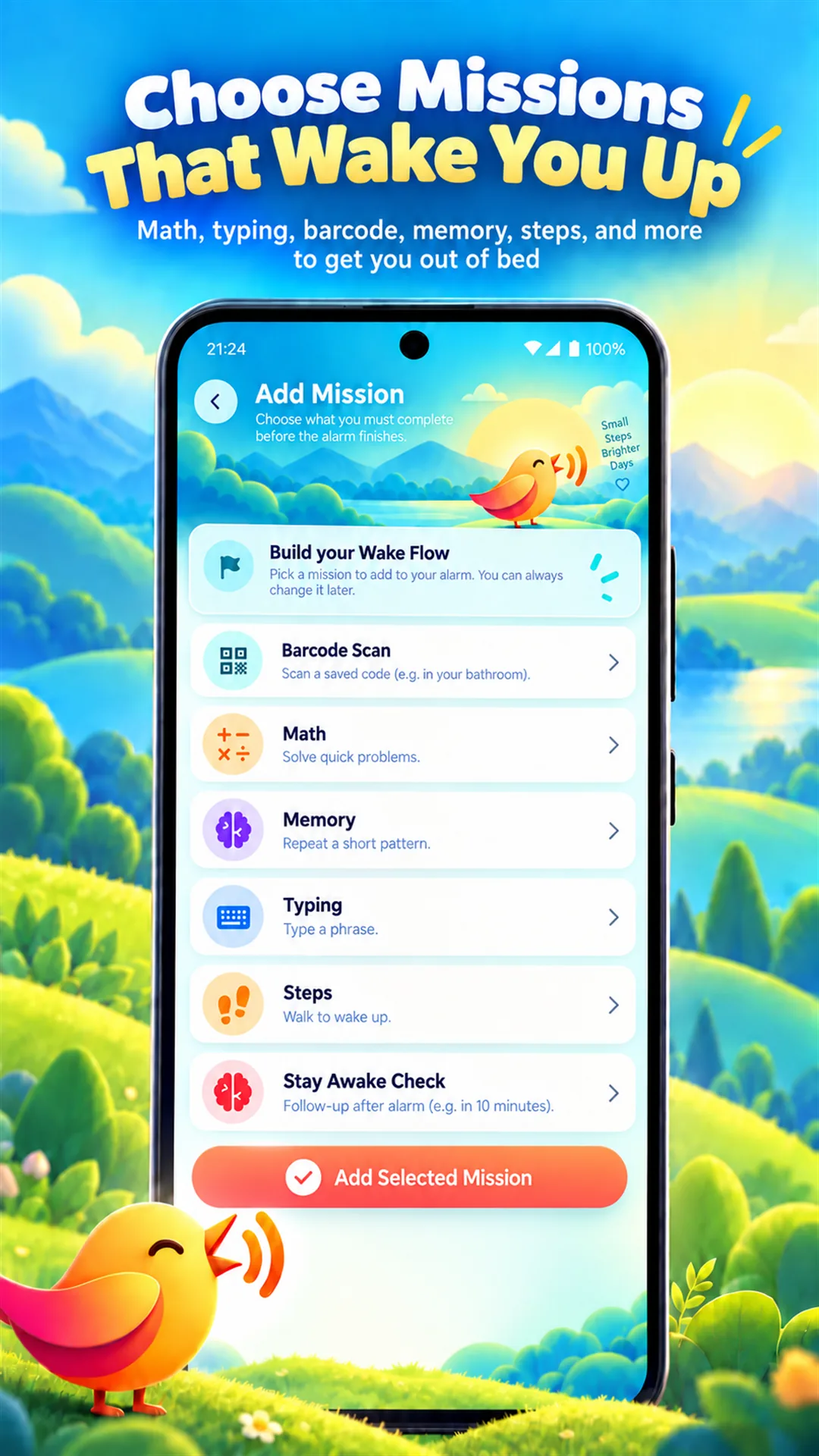
Choose the kind of task that gets your mind—or your feet—moving. Add only what helps, reorder it, and remove it whenever you want.
Solve quick Math problems, repeat a Memory pattern, or type a wake-up phrase before the alarm is finished.
Use a Steps mission to make movement part of your alarm routine.
Save a barcode or QR code, then scan it to complete your mission.
Add a Stay Awake Check and ChirpFlow will follow up after your alarm, helping you avoid drifting back to sleep.
Inside ChirpFlow
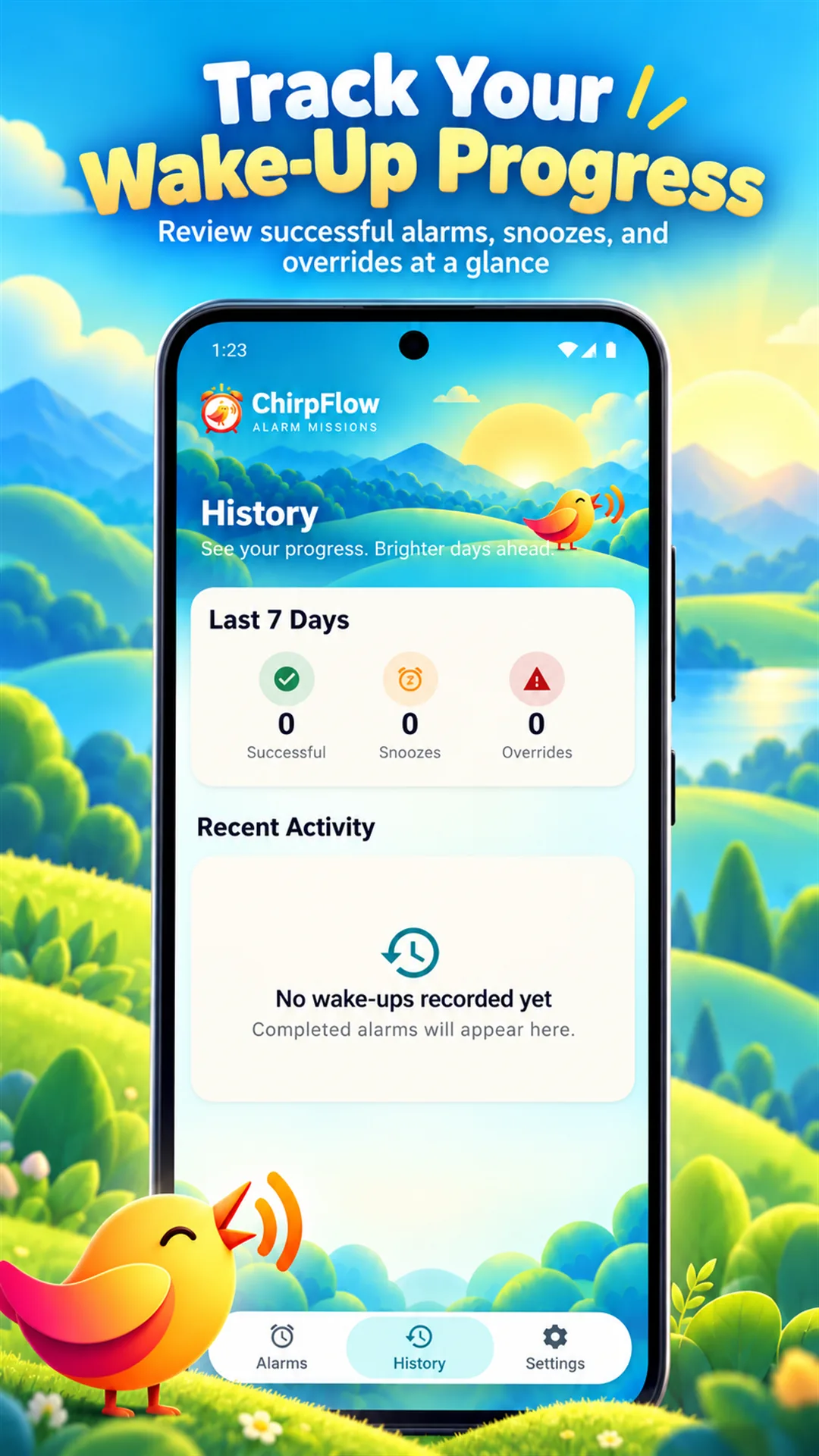
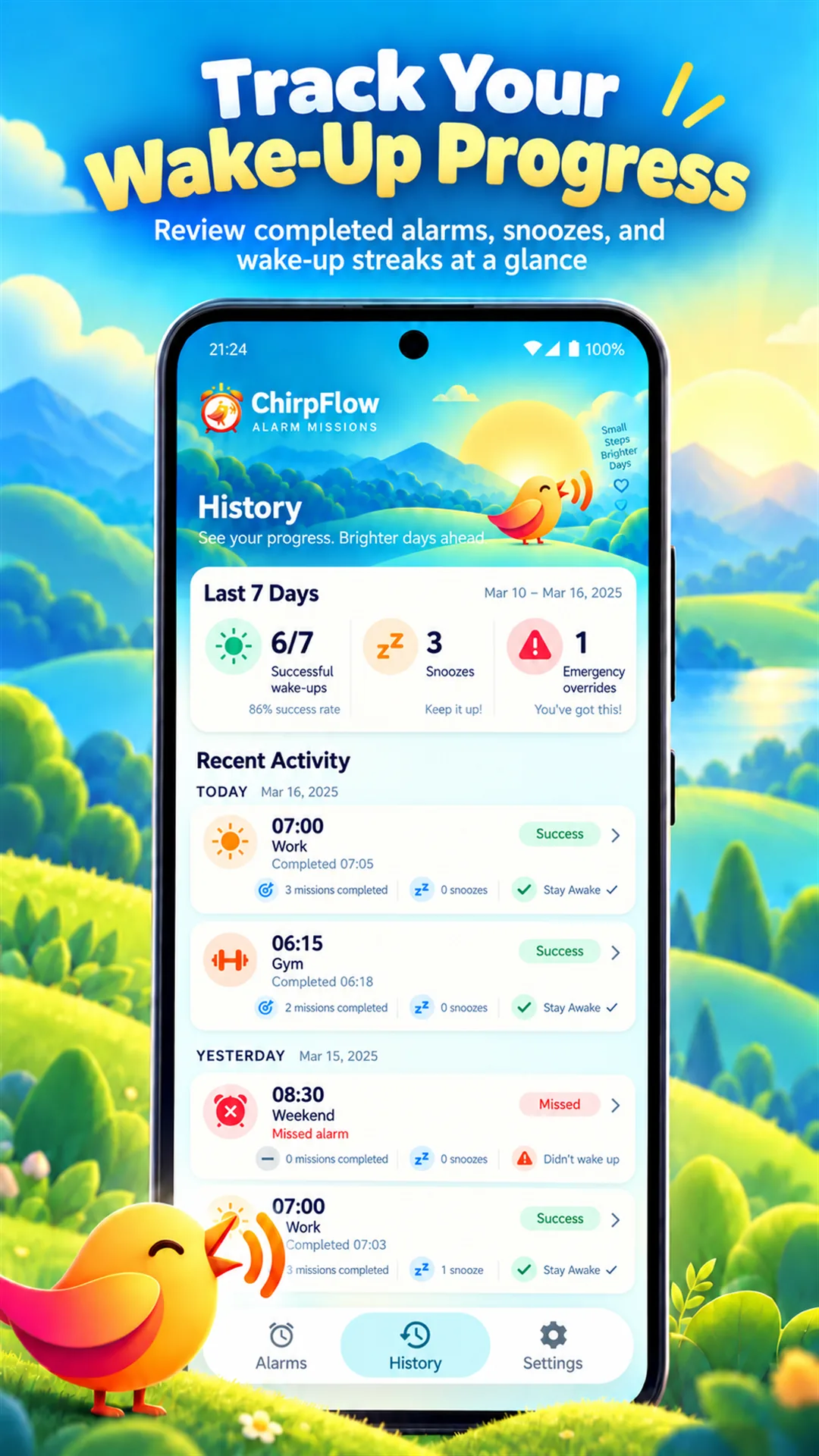
From creating an alarm to checking your history, every screen keeps the next action clear.
Made for real mornings
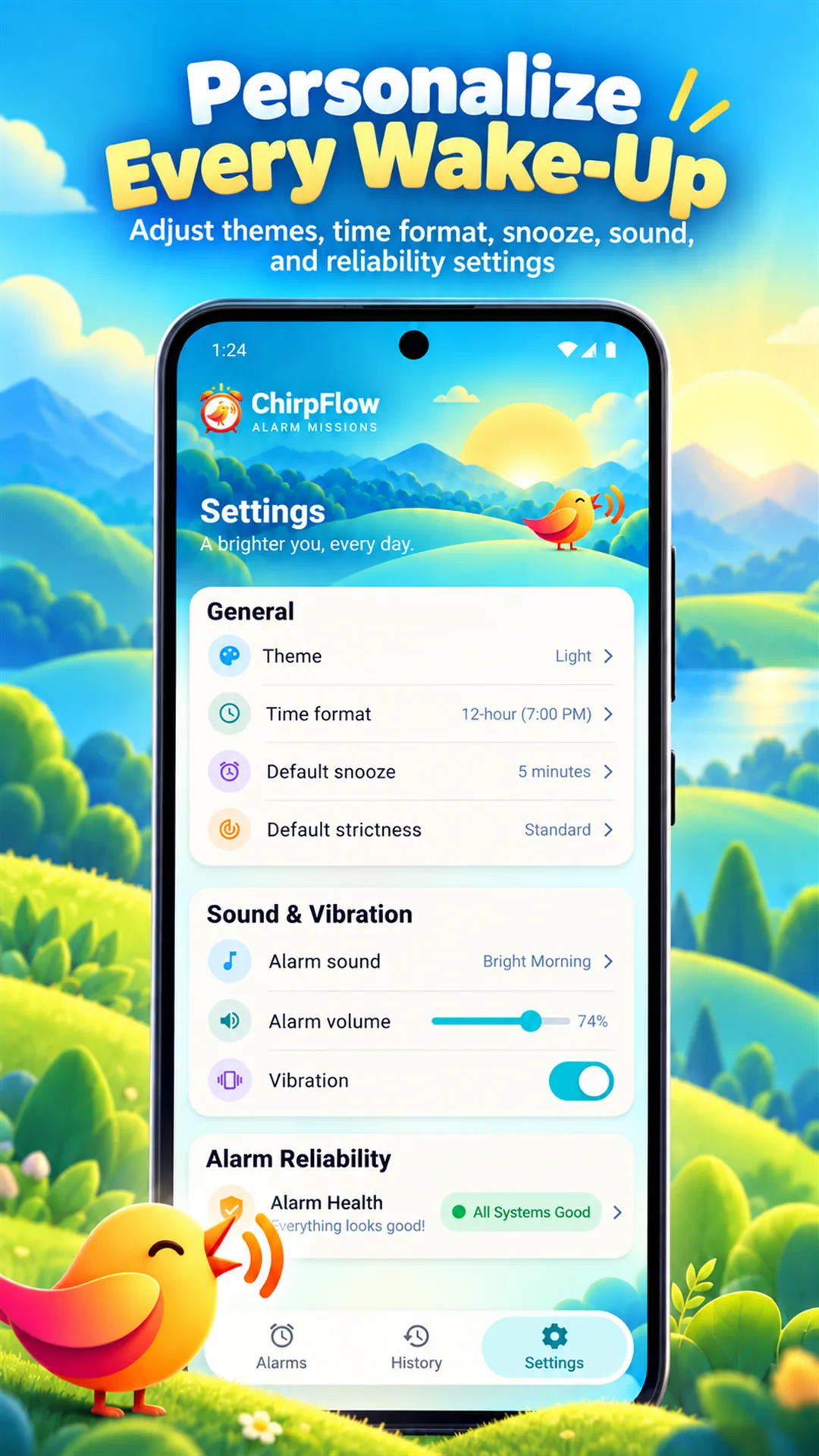
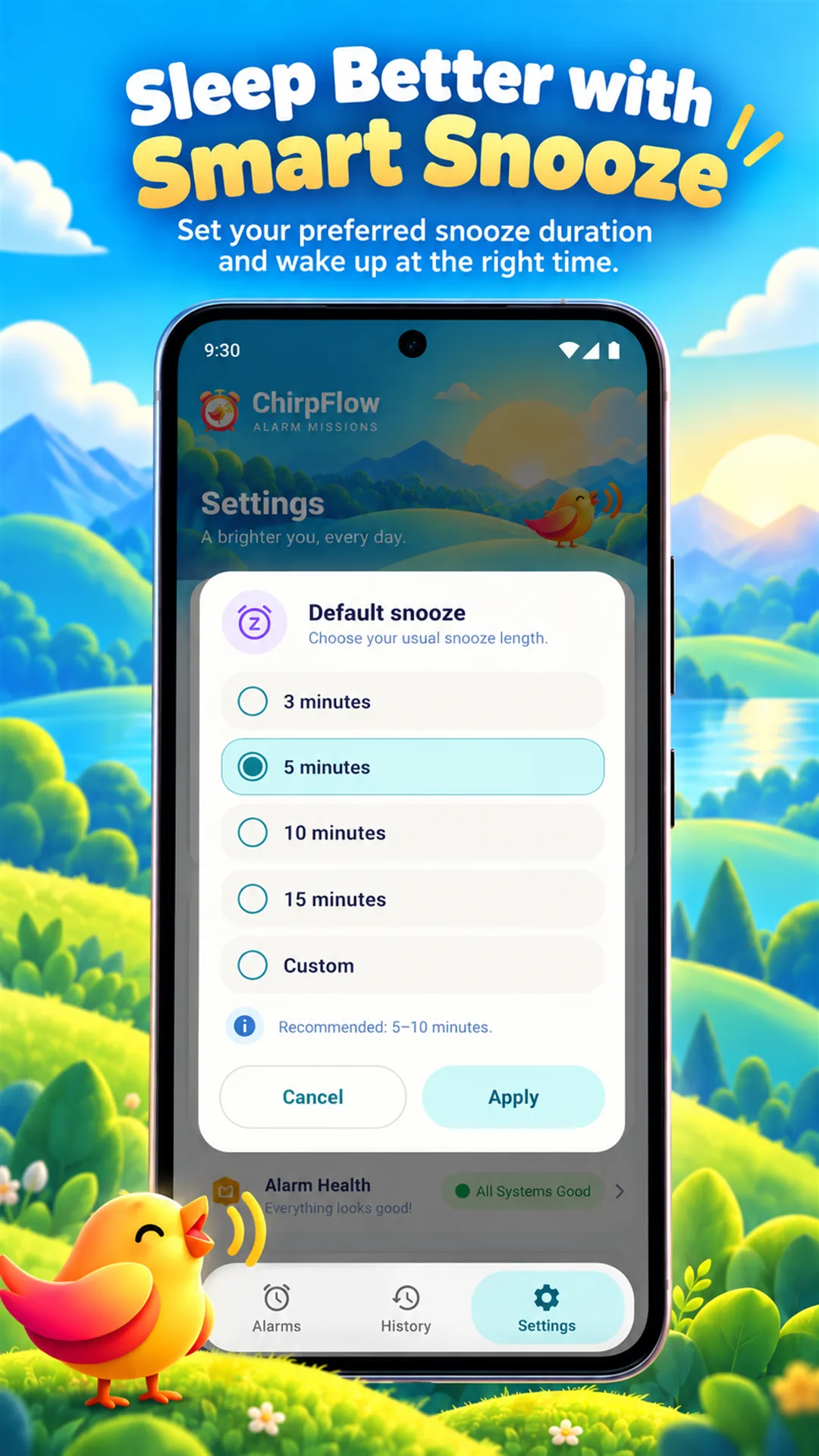
Use 12- or 24-hour time, set a default snooze duration and strictness, choose your sound and vibration, and switch between light and dark themes.
See how permissions and data are handledClear about your data
ChirpFlow does not operate an account or cloud-sync service. Alarm settings, Wake Flow choices, and wake history are stored locally, subject to Android backup or device-transfer settings. Camera input for Barcode missions is processed on-device. ChirpFlow uses Google AdMob and consent tools for advertising and privacy choices where required.
Read the privacy policyGood to know
Yes. You can create and manage alarms normally, then add the Wake Missions that suit your routine.
ChirpFlow includes Barcode Scan, Math, Memory, Typing, Steps, and Stay Awake Check missions.
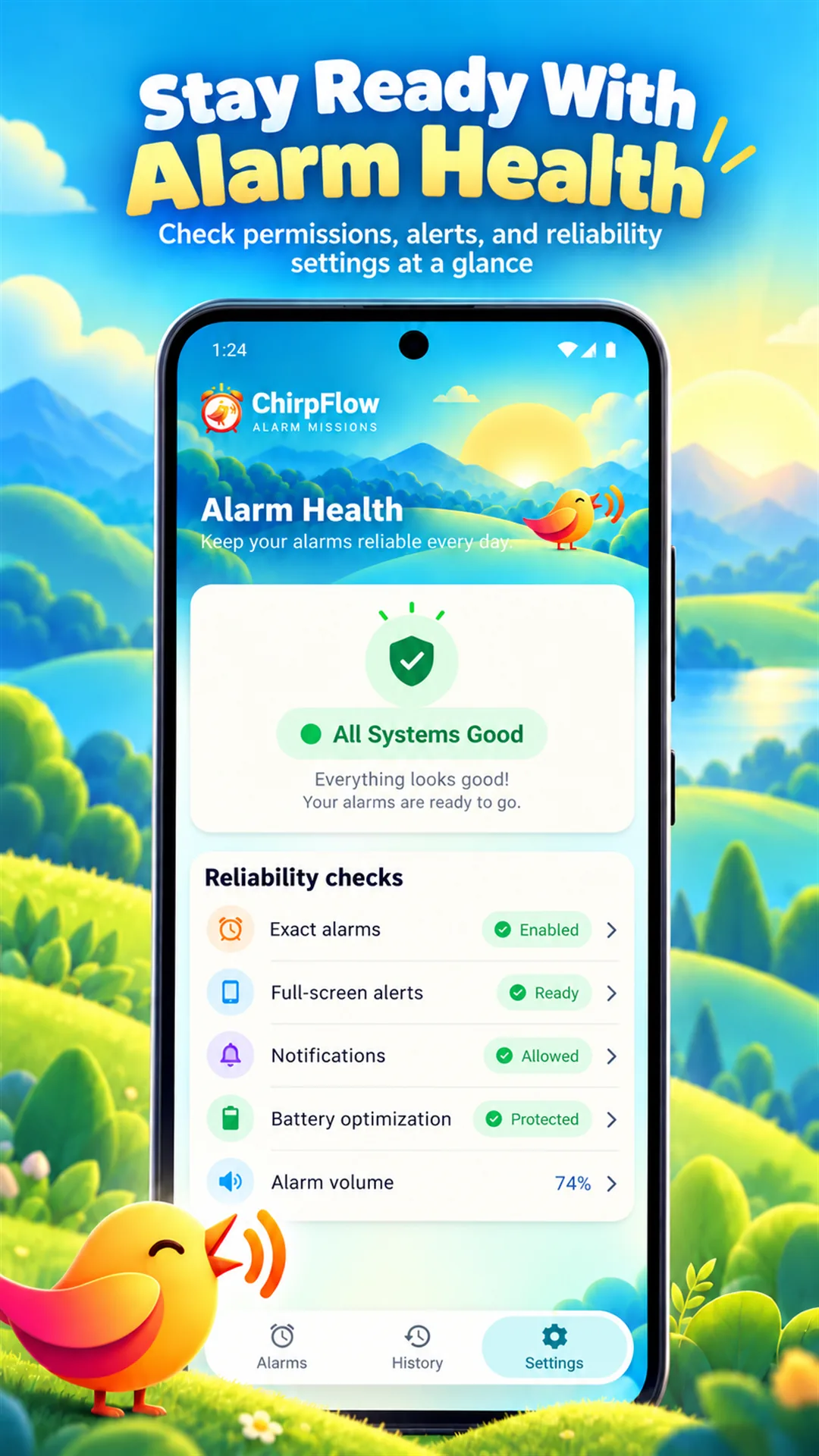
Android uses notifications, exact-alarm access, and full-screen alarm access to help alarms appear at the requested time. Alarm Health shows whether required access needs attention.
No. ChirpFlow does not require sign-up or login, and its core alarm data is stored on your device.
ChirpFlow